After clicking the link, you should see multiple software options, for this
tutorial we will just be downloading Inventor. scroll down and select the Inventor option
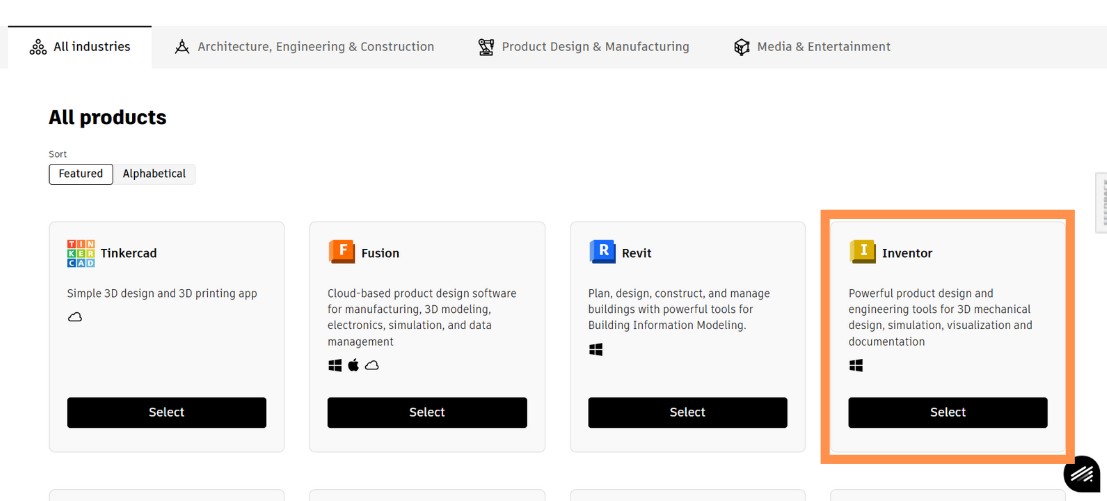
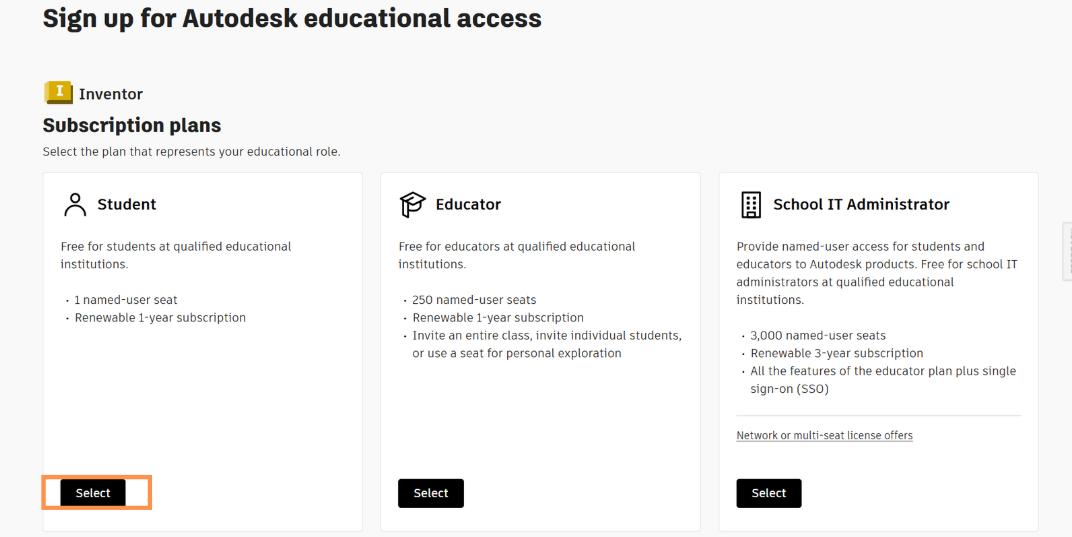
Once you select inventor, depending on what license you want, select one,
if you are a student (which we assume you are), Select the student plan.
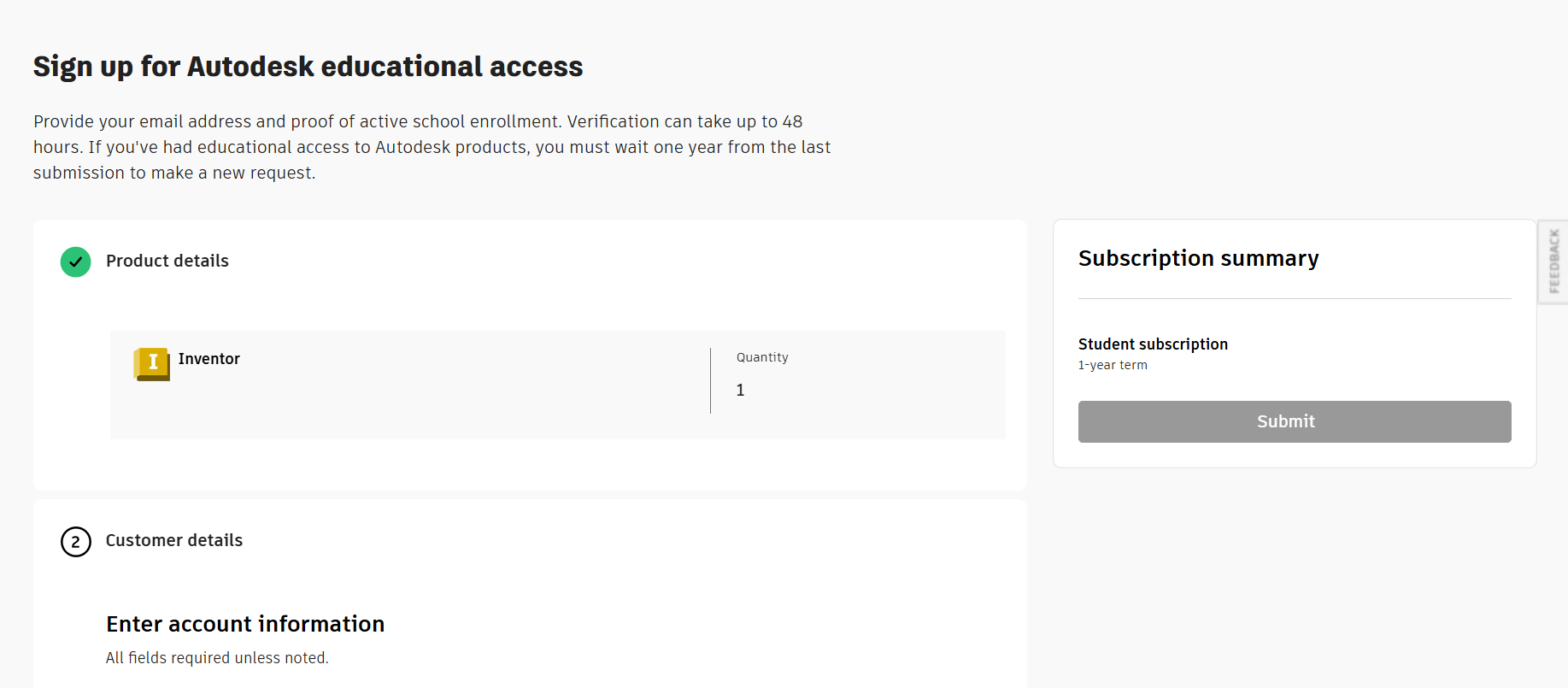
Once selected you will be brought to the page below, enter all the relevent information,
it may take up to 48 hours to process your info, and you may be required to submit a school ID or report card.
After your information is verified you will be given access to Inventor and other software. you should
get to this page where you can scroll down until you find Inventor, once found click install and it should start downloading
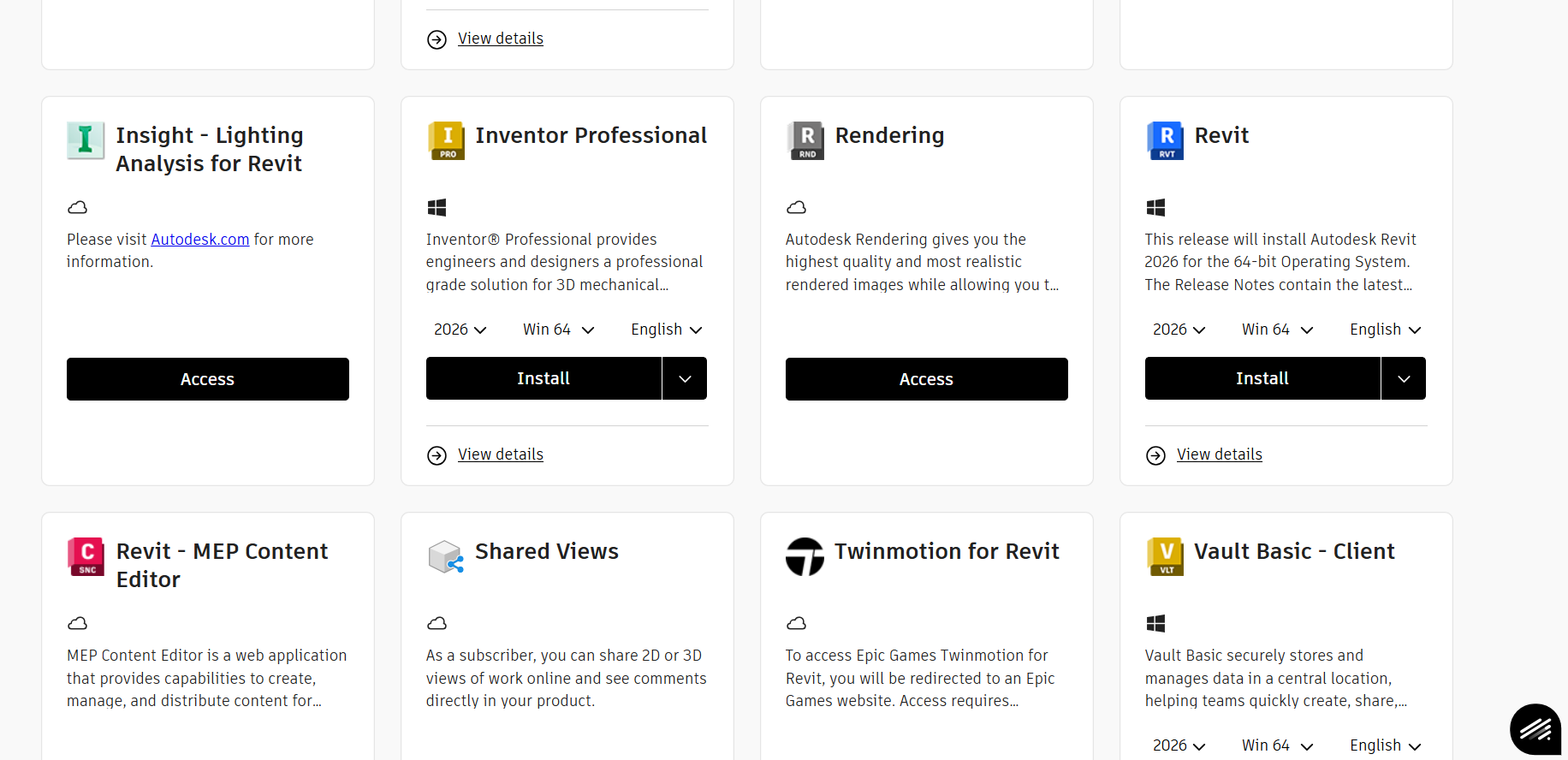
Once downloaded you will have access to Inventor and its software.